
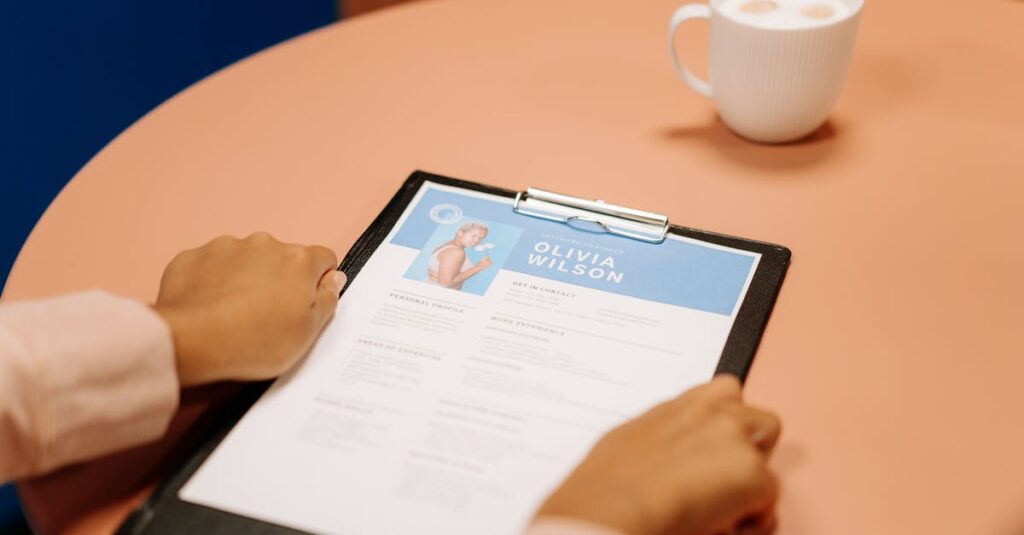
Learn how to make a professional resume on your phone using free apps like Canva, Microsoft Word, and Zety. Perfect for students, job seekers, and freelancers in 2025.
Introduction
Need a resume but don’t have a laptop? No problem. In 2025, your smartphone is all you need to create a job-ready, professional resume — for free. Whether you’re a student, freelancer, or someone switching careers, this guide shows you exactly how to build a resume on mobile in under 30 minutes.
Step-by-Step Guide to Creating a Resume on Mobile
Step 1: Choose the Right Resume Builder App
Here are the top free apps you can use directly on your phone:
| App | Platform | Best For |
| Canva | Android/iOS | Visually appealing resumes |
| Microsoft Word Mobile | Android/iOS | Classic text resumes |
| Zety | Web-based | AI-guided resume creation |
| Resume Builder App (by Intelligent CV) | Android/iOS | Quick resume creation |
| LinkedIn App | Android/iOS | One-click resume from profile |
Step 2: Gather Your Information
Before opening any app, make sure you have:
• Full name & contact info
• Career objective or summary
• Education details
• Work experience (internships/freelance counts!)
• Skills (technical & soft)
• Certifications or achievements
⸻
Step 3: Create Your Resume on Canva (Most Beginner-Friendly)
Why Canva?
• Dozens of free resume templates
• Easy drag-and-drop editor
• AI-generated text suggestions
How to Use:
1. Open Canva app
2. Search “Resume” in the templates
3. Choose a free template
4. Replace placeholder text with your details
5. Download as PDF when done
Pro Tip: Use Canva’s AI Magic Write for crafting your summary.
⸻
Step 4: Use Microsoft Word Mobile for a Classic Format
Why Word?
• Simple layout
• Easy text control
• Accepted by most companies
Steps:
1. Open Word app
2. Tap “New” > Choose “Resume”
3. Edit text fields
4. Save or export as PDF
⸻
Step 5: Try AI-Powered Tools for Instant Results
Zety, Novoresume, or Resume.io offer:
• AI suggestions
• Templates tailored to industries
• Instant formatting
Steps:
1. Visit their mobile sites
2. Fill in your info
3. Choose a template
4. Download or email resume
Note: Free downloads may have watermarks unless you use trials.
⸻
Extra Tip: Make a Resume Using LinkedIn App
1. Update your LinkedIn profile
2. Tap “More” on your profile
3. Select “Build a Resume”
4. Download the auto-generated resume as PDF
This is great for quick applications or internships!
⸻
Best Practices for Mobile Resume Creation
• Use a clean, minimal design. Avoid heavy colors or icons.
• Keep it to 1 page. Recruiters spend less than 10 seconds scanning.
• Save as PDF. Always send resumes in PDF to preserve formatting.
• Avoid typos. Use Grammarly Keyboard to check as you type.
• Use cloud backup. Save a copy to Google Drive or Dropbox.
⸻
Top Free Tools to Enhance Your Resume on Mobile
| Tool/App | Use Case |
| Canva AI | Design + writing help |
| Grammarly Keyboard | Grammar checks while typing |
| ChatGPT Mobile | Career summary, keyword matching |
| Google Docs App | Easy edits & live backup |
| Easy resume + profile updates |
Conclusion
You don’t need a laptop or fancy software to land your next job. Just your smartphone, the right app, and a bit of creativity are enough to create a polished, professional resume in minutes.